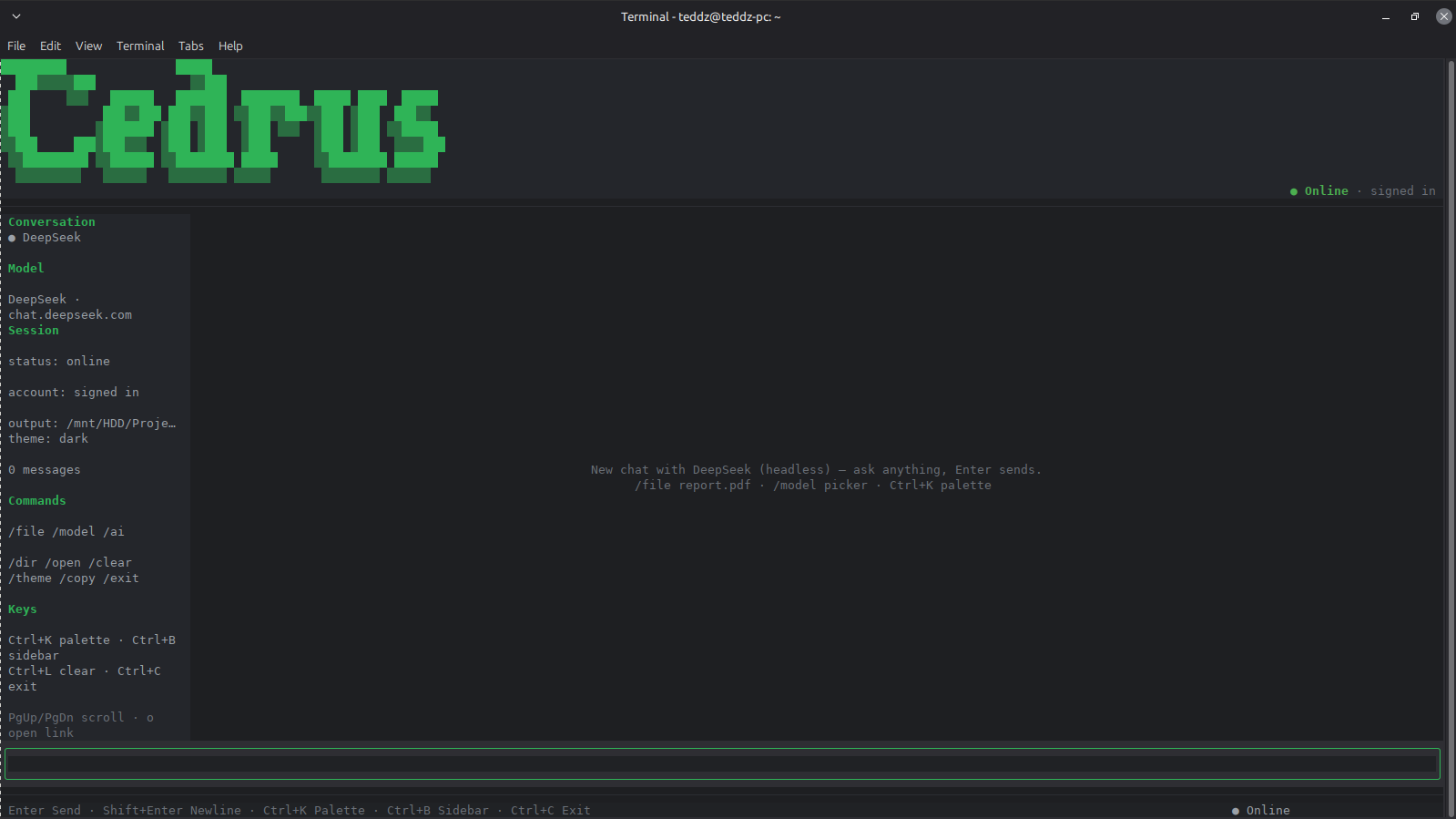
fig. 01 opened. empty chat, model pane on the right, output dir set.
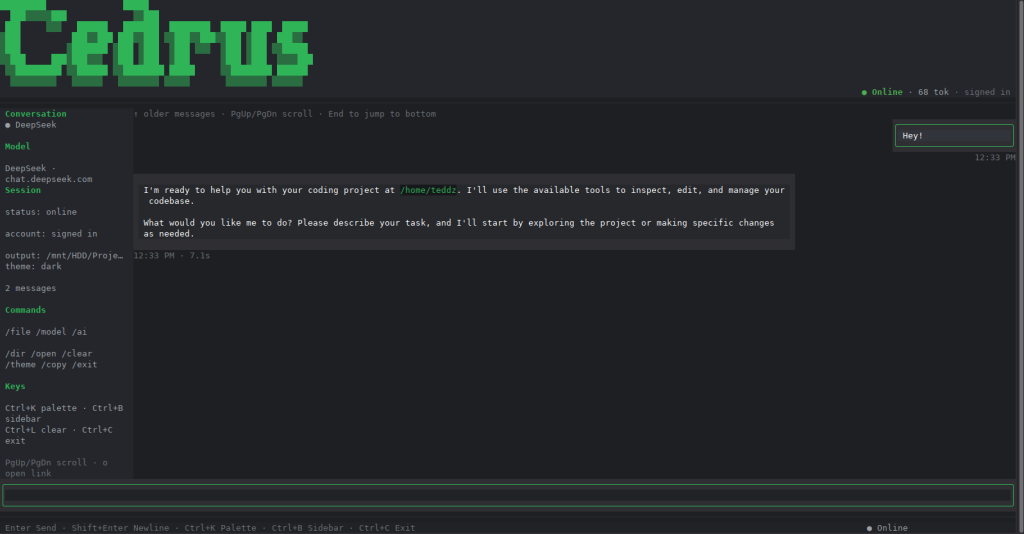
fig. 02 streaming a real answer with a fenced code block, inline marks, references.
Cedrus CLI signs into the AI you already use — Meta, DeepSeek — then hands it your actual project: read, write, search, run. No new model to learn, no editor to leave. The chat you were already having becomes an agent that works where you work.
Cedrus CLI is a thin client. It connects itself to a web AI and turns that connection into a full agent: file read/write, search, project context — all surfaced as a keyboard-driven terminal app. The model is never your problem; whatever web ai you point it at becomes the brain, and Cedrus CLI gives it hands.
/model.Cedrus CLI rides on whatever web ai you're already logged into. Swap providers mid-session — it's the same interface, so switching is changing one line in the left strip, not relearning a chat app.
/model metathe default. Connected through WhatsApp — the account you likely already have.
/model deepseeka second brain when you want a different voice on the same project.
Everything you can do is a keystroke or a slash command — even swapping the model.
| thing | you press |
|---|---|
| copy the last code block | /copy |
| flip the theme, dark ↔ light | /theme |
| swap the model mid-session (meta ↔ deepseek) | /model (or Ctrl+K) |
| attach a file from the prompt | /file <path> |
| pick a target folder for output | /dir <path> |
| call a tool directly, as JSON | /tools <name> <json> |
| scroll the whole chat | PgUp PgDn |
Grab the alpha .deb from the GitHub release and install it —
cedrus lands on your PATH.
# download the .deb from the release page, then:
sudo dpkg -i cedrus_0.6.0_amd64.deb
cedrus --help
Code, issues, and the full README live on GitHub.